Every purchase in one place
Price, retailer, purchase date, location and notes — recorded exactly how you want them, with the original currency.
A calm, private record of purchases, warranties, vehicles, service history and the dates you would rather not miss. Designed for iPhone. No account, no cloud ownership database, no advertising SDKs. Short for DigiOwn — the calm home for everything you own.
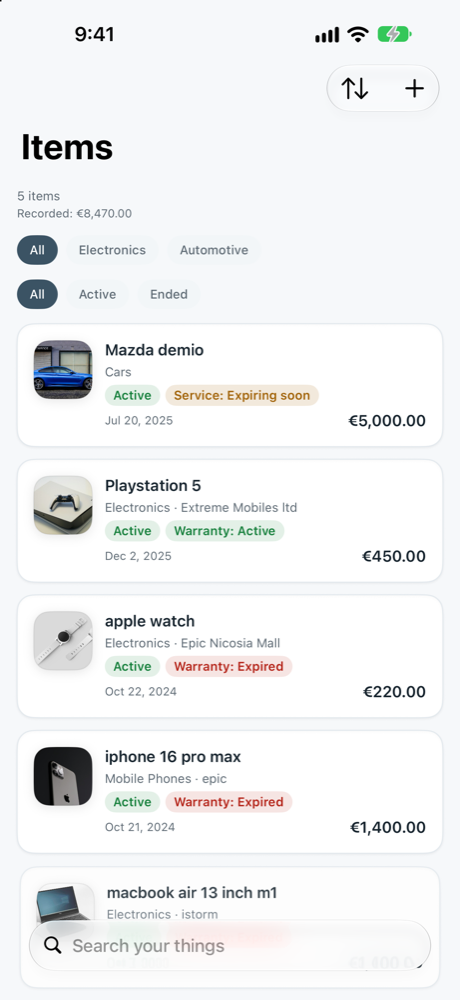
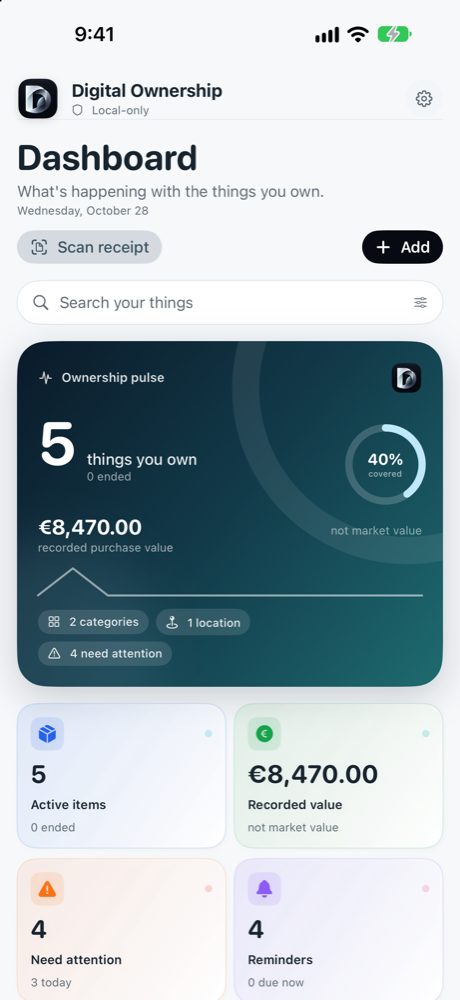
Not another spreadsheet. A visual ownership pulse that keeps the useful numbers in view and surfaces the dates that need a decision.
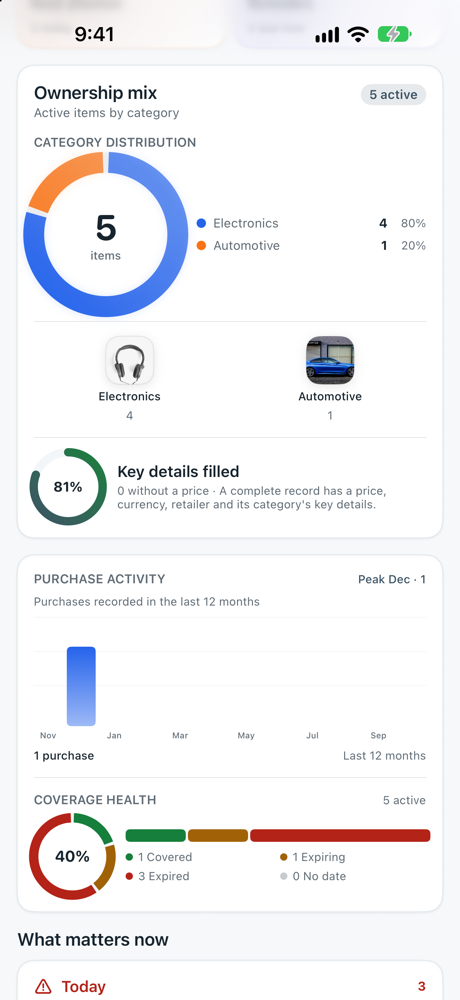
Coverage health makes expiring warranties, returns and inspections visible before they become surprises.
A clear ownership record for the things that matter — not a marketplace, not a price tracker and not another account to maintain.
Price, retailer, purchase date, location and notes — recorded exactly how you want them, with the original currency.
See what is covered, what is expiring and what has already expired — with clear status labels, never color alone. Choose 6, 12, 24 or 48-month terms.
VIN, plate, fuel, engine, registration and MOT/inspection expiry, service intervals, last service and current odometer.
Electronics, appliances, watches, clothing, tools, gaming, furniture, car parts and accessories each get the fields that make sense.
Warranty, return, service, MOT and registration reminders are scheduled by iOS on your device — no remote push service.
Use the camera or photo library to read a receipt with Apple Vision. The image is temporary and never stored or uploaded.
Dark and light themes, your display currency (EUR · USD · GBP) and full English & Greek — the app adapts to you, never the other way around.
Pick the home-screen icon that fits your style — Default, Teal, Ocean, Sand, Cream or Mono — and switch it any time.
Optional catalogue facts from Open Icecat — verified specs and honest comparisons when you consider an upgrade.
Group what you own by where it lives — home, garage, office or workshop — and find it in one tap.
Sold it or gave it away? The record stays — purchase, condition, value and sale, never deleted automatically.
Not every thing is a “product”. Digital Ownership adapts to the category — and to the details that matter.
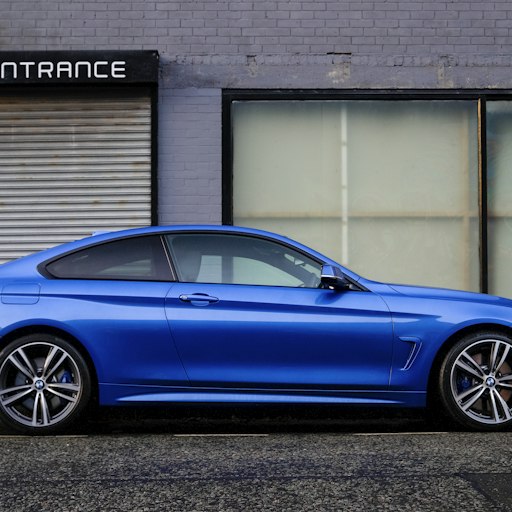 Cars & motorcyclesVIN · MOT · service
 PhonesSerial · coverage · battery
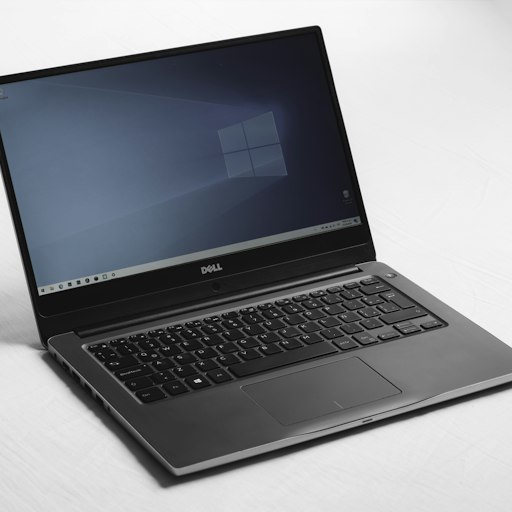 ComputersSerial · warranty · specs
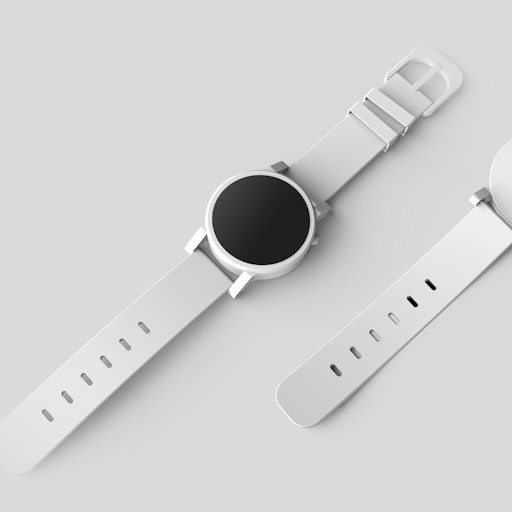 WatchesReference · service · value
 GamingSerial · warranty · storage
 Clothing & shoesSize · purchase · care
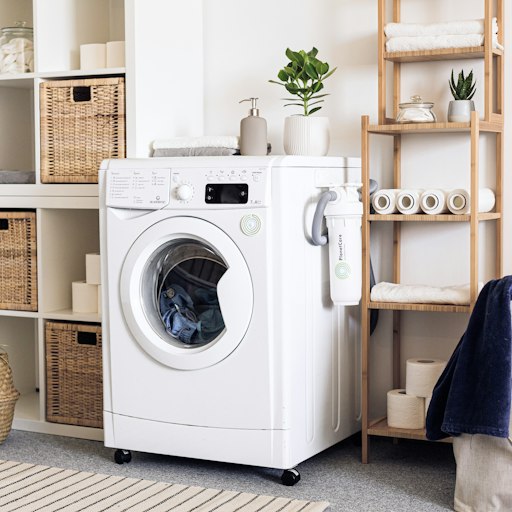 Home appliancesSerial · warranty · repairs
 Cameras & A/VBody & lens · warranty · value
 ToolsCharger · battery · warranty
 FurniturePurchase · delivery · care
 Bags & luggageReference · warranty · value
 Sports equipmentUsage · maintenance · warranty
 Perfume & careBatch · opened date · care
 MotorcyclesVIN · MOT · service
If it has a serial number, a warranty or a service date — it belongs in Digital Ownership.
The 5-year warranty exists — the paperwork doesn't. Serial, purchase date, warranty and every repair, in one record.
You set it up — then forgot when the coverage ends. Coverage health surfaces expiring dates before they surprise you.
Which model? Which year? Which repair? Model, serial, warranty and repair history — searchable in seconds.
Which body goes with which lens? Every item gets its own record — serial, warranty and value.
Same charger? Same battery platform? The tools category keeps charger, battery and warranty together.
Is the helmet still covered? Sports equipment tracks purchase, warranty and maintenance.
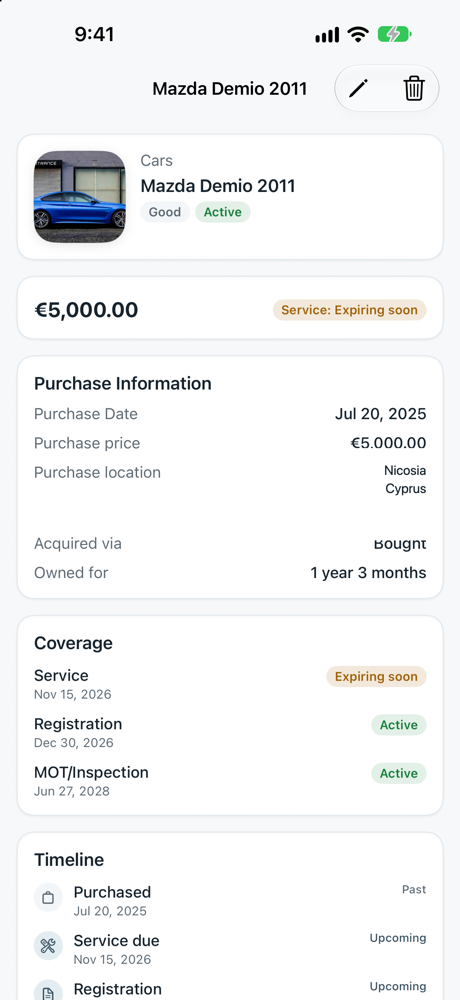
One vehicle, every date. VIN, plate, MOT and registration expiry, service intervals and mileage — together.
Cars and motorcycles get a dedicated record: registration and MOT/inspection expiry, service intervals, last service and the current odometer. Add a service event each time and keep the history with the vehicle.
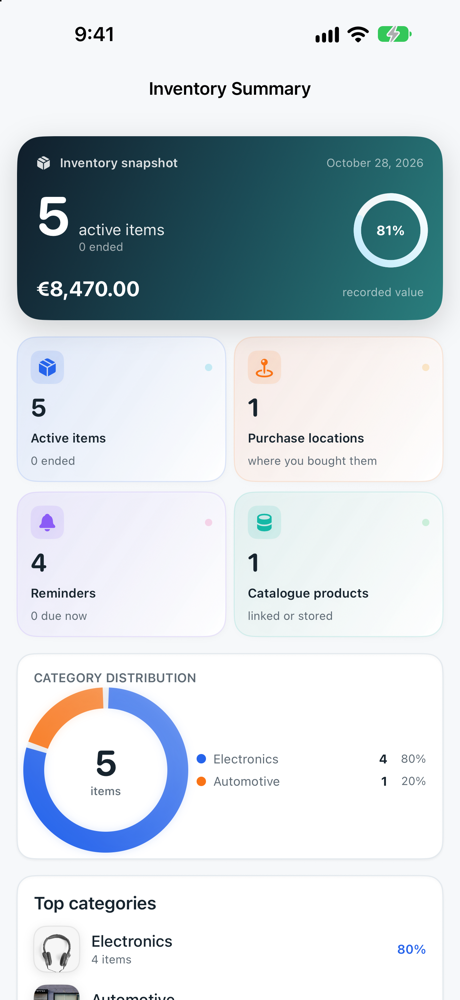
The Inventory Summary in Settings gives you totals by category, recorded value and a clean overview you can read at a glance — not a wall of rows.
Inventory Summary lives in Settings, so the detail is there when you need it and out of the way when you do not.
No account. No cloud ownership database. No advertising SDKs. No cross-app tracking. The records you create live on your iPhone, and you can export or delete them whenever you choose.
A modern dashboard, clear coverage, real category details and a calm inventory summary.
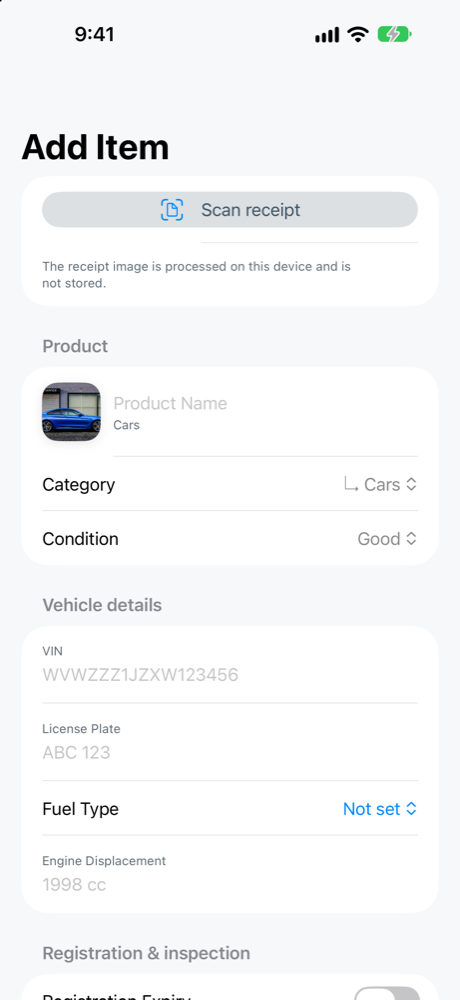
Choose a category, enter the purchase details and add the fields that matter — VIN, serial number, size, warranty, service interval.
The dashboard highlights expiring warranties, returns, service, MOT and registration dates, with a clear timeline.
Records stay on your iPhone. Export a JSON backup when you want one; clear local data whenever you choose.
No. The iPhone app is native SwiftUI. The website you are reading is a separate marketing site; it is not the app itself.
No. There is no account, no sign-in and no cloud ownership database. The app stores your records locally.
On your iPhone, inside the app's local storage. Receipt images are temporary OCR inputs and are not stored. You can export a JSON backup or clear local data from Settings.
Yes. Vehicles have dedicated fields for VIN, licence plate, fuel, engine displacement, registration expiry, MOT/inspection expiry, service intervals, last service and current odometer.
No. It is optional, and it contains non-personal catalogue facts. Ownership records, receipt images and personal notes are never sent with the catalogue request.
Yes. The app and this website are available in English and Greek. Dates, currency and category labels follow your choice.
The native app has been submitted and is currently in review with Apple. We will announce availability the moment it is approved — email ownershipdigital@gmail.com and we will let you know.

Coming soon to the App Store. For early access, availability updates and support, write to us — a real person reads every message.